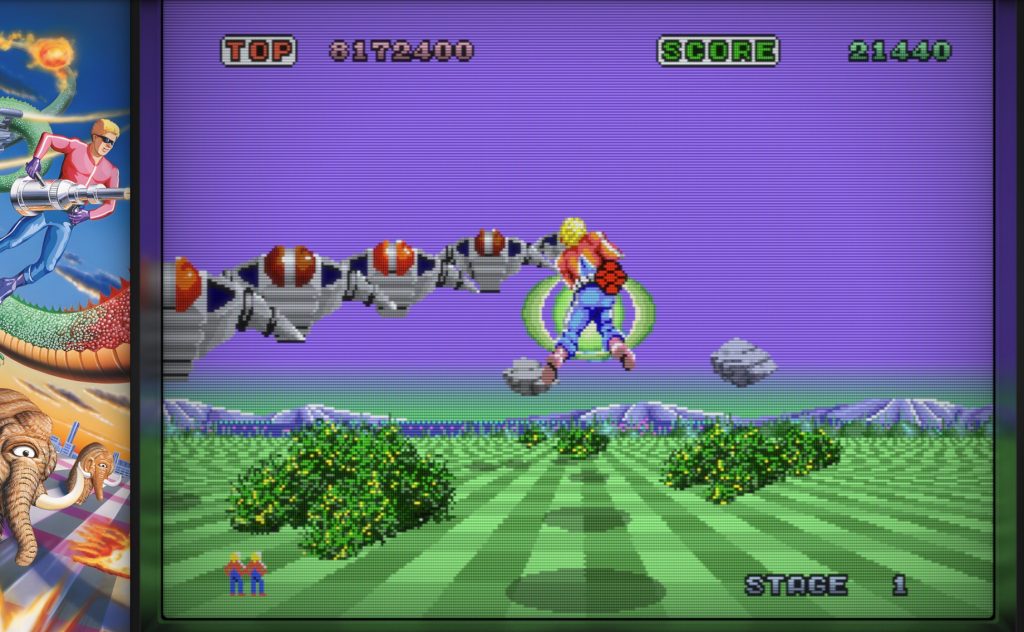
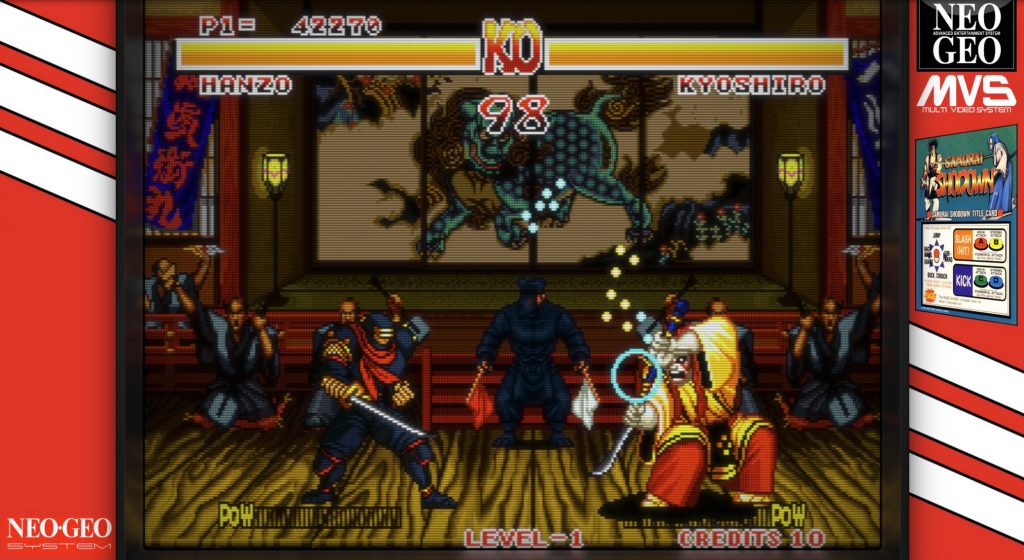
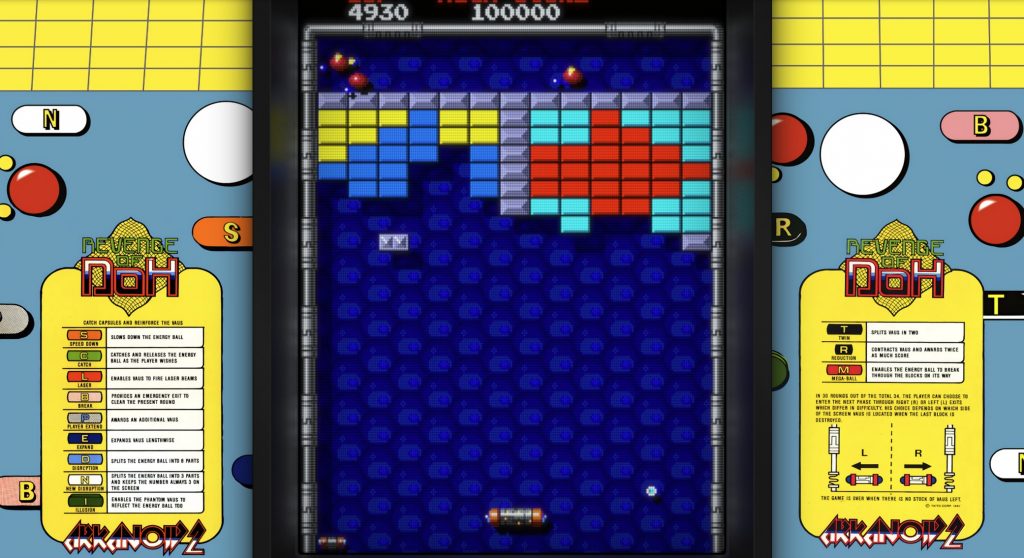
tl;dr: An app that wraps classic video games in an overlay or bezel interface in a way similar to emulation frontends, such as Emulation Station, Batocera, RecalBox, RetroPIe, and Lakka, that presents an immersive, engaging, and simplified interface that focuses on direct and easy access to qualify of life features such as display scaling, controller mapping, performance tweaking, artwork, and modern system integration while preserving the original game experience.
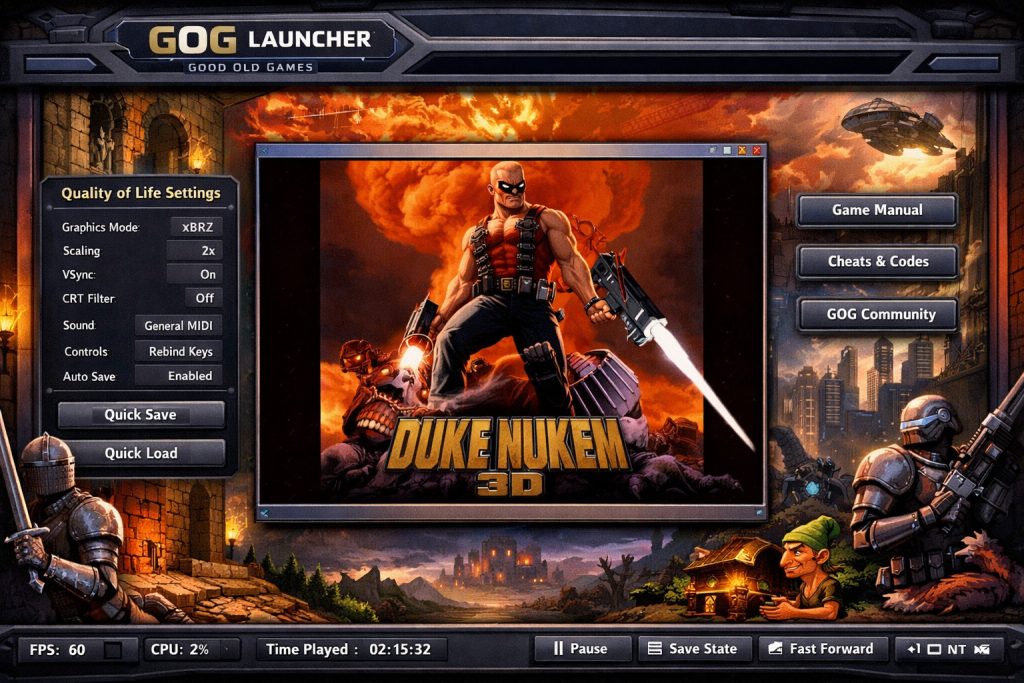
Problem
- Many classic video games do not display well on larger monitors at fullscreen but also suffer from lack of immersion when run in a windowed mode
- Modern quality of life improvements, such as controller mappings, may be available but are difficult for average gamers to find and use
Solution
- An app that wraps classic video games in an interface that can be run in fullscreen borderless mod for immersion while keeping the video game at a smaller resolution and providing modern quality of life features immediately at hand
Key Features
- Borderless fullscreen immersive experience
- For classic video games that don’t scale well
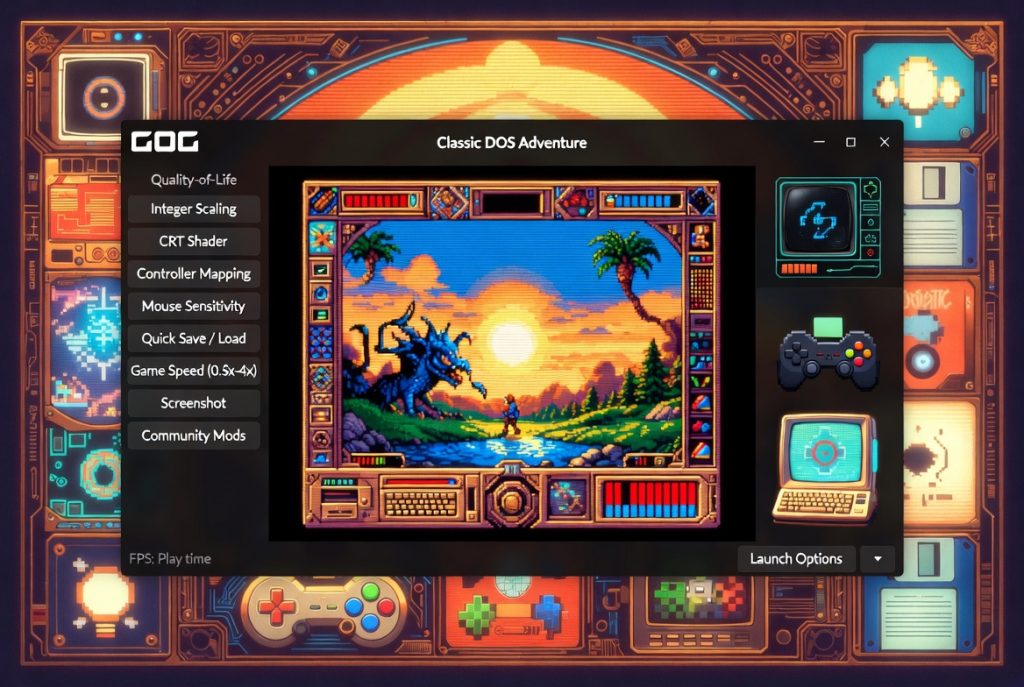
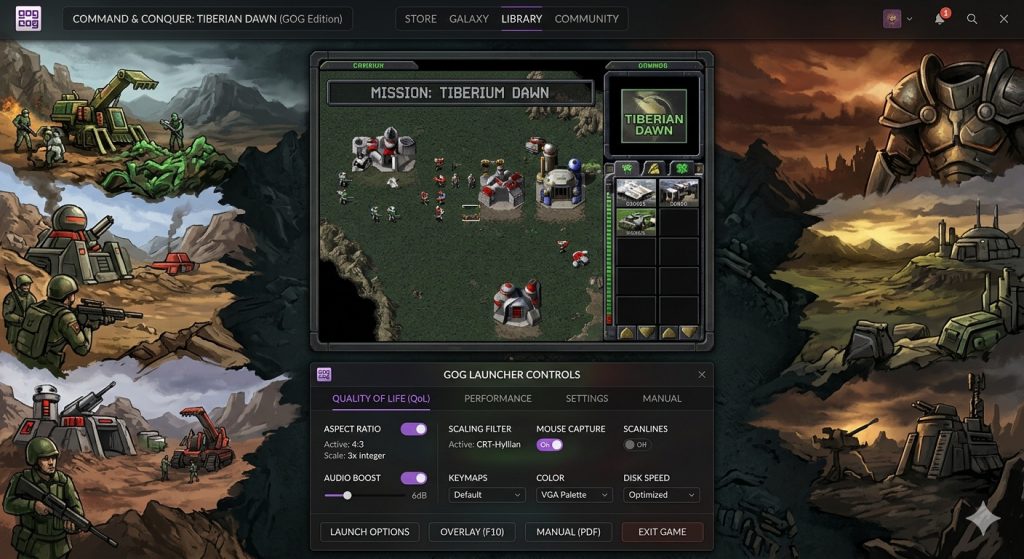
- Game artwork bezel wraps
- Display game artwork on the edges of the video game display area when it is smaller than the launch window to provide a more engaging and immersive experience
- Easy access to quality of life features
- Modern controller mappings, resolution scaling, emulated CPU tweaking
Potential Features
- Adaptive Display Wrapping
- Center original low-resolution game window (e.g., 320×200, 640×480)
- Custom artwork borders or themed bezels filling unused space
- Aspect ratio correction (4:3, pixel-perfect, integer scaling)
- Optional CRT shaders, scanlines, curvature, phosphor effects
- Scaling & Rendering Options
- Multiple scalers (nearest neighbor, xBRZ, HQx, etc.)
- GPU-accelerated upscaling
- Windowed, borderless fullscreen, exclusive fullscreen modes
- Per-game display profiles
- Compatibility Layer Controls
- Built-in DOSBox / Wine / custom wrappers configuration
- CPU cycle / speed throttling
- Memory emulation tweaks (EMS/XMS)
- OS compatibility flags (for early Windows titles)
- Input & Control Enhancements
- Modern controller support with remapping
- Mouse sensitivity fixes / raw input
- Key rebinding layer independent of the game
- Hotkeys for launcher-level actions
- Save State System
- Save/load state at any time (even if game doesn’t support it)
- Multiple slots with thumbnails
- Autosave / rewind (optional)
- Quality-of-Life Features
- Quick save / quick load overlay
- Fast forward / slow motion
- Pause + background suspend
- Frame limiter / VSync controls
- Audio Improvements
- MIDI device selection (e.g., Sound Canvas emulation)
- Sound Blaster / AdLib emulation tuning
- Volume balancing between music/SFX
- Optional audio enhancements or filters
- Game-Specific Overlays
- Built-in manuals, maps, and reference cards
- Cheats / trainers toggle
- Notes or annotations per game
- Community tips integration
- Library & Profile Management
- Per-game configuration profiles
- Cloud sync of settings and saves
- Playtime tracking and stats
- Version rollback (different patches/executables)
- Mod & Patch Support
- One-click mod installation
- Compatibility presets for known mods
- Load order management (where relevant)
- System Integration
- Screenshot and video capture
- Streaming-friendly output (proper scaling/aspect)
- Background task prioritization to avoid stutter
- Multi-monitor handling
- Advanced / Power User Options
- Config file editing UI (DOSBox.conf, etc.)
- Debug overlays (FPS, CPU cycles, frame time)
- Scripting or automation hooks
- Custom shader pipeline support
This kind of launcher essentially acts as a modern “shell” around legacy games—handling everything the original environment assumed (hardware, display, input) while adding conveniences players expect today.
Examples from Emulation Frontends
- These emulation bezels are limited artwork wraps but demonstrate how the idea is already successfully implemented in other areas of gaming